


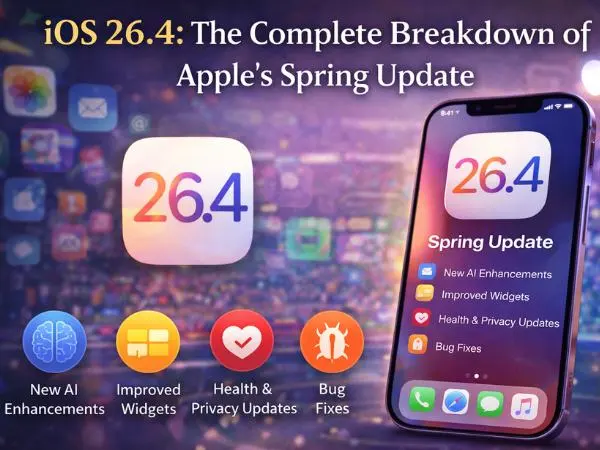
Apple has officially dropped iOS 26.4 to the public. While we are still waiting for the full “Siri 2.0” overhaul expected in iOS 27, this March 2026 update is packed with “Quality of Life” improvements that make your iPhone feel faster and more expressive.
✨ iOS 26.4 New Features: What’s Under the Hood?
The headline feature for 2026 is Playlist Playground. This is an AI-powered tool within Apple Music that lets you generate entire 25-song playlists using simple text prompts like “90s grunge for a rainy drive” or “high-energy gym beats for a 5k run.”
Key Upgrades at a Glance:
- Offline Music Recognition: Shazam can now identify songs even when you have no signal (like in a subway or on a plane). It saves the “tag” and notifies you once you’re back online.
- CarPlay AI Support: A new app category for “Conversational AI” allows you to use ChatGPT, Gemini, or Claude hands-free while driving.
- The “Fast-Typing” Fix: Apple has finally squashed a persistent bug from early iOS 26 versions that caused characters to skip when typing at high speeds.
- Urgent Reminders: You can now flag specific tasks as “Urgent,” which forces a persistent notification that stays on your Lock Screen until addressed.
also read : – What Is Anthropic’s Claude Code Security and How Does It Work?
🆕 New Emojis in iOS 26.4 (Unicode 17.0)
Apple has introduced a total of 163 new emoji designs. While 150 of these are skin tone variations for existing emojis (like Wrestling and Bunny Ears), there are 8 entirely new concepts making their debut today:
- Distorted Face: Perfect for when you’re feeling overwhelmed or “mind-blown.”
- Orca (Killer Whale): A highly requested addition to the sea life category.
- Hairy Creature: Inspired by the legendary “Bigfoot” or Sasquatch.
- 🧑🩰 Ballet Dancer: A gender-neutral addition with skin tone support.
- Fight Cloud: Straight out of a comic book—great for playful arguments.
- Trombone: Joining the brass section of the instrument library.
- Landslide: A new nature/hazard symbol.
- Treasure Chest: For all your “loot” and “adventure” posts.
🛠️ How to Install & Eligible Devices
iOS 26.4 is available for iPhone 11 and later. If you have an iPhone 17, 16, or 15, this update is highly recommended for security stability alone.
How to Update:
- Go to Settings > General.
- Tap Software Update.
- Select Download and Install (Ensure you are on Wi-Fi and have at least 50% battery).
also read :- Accenture Strengthens AI Capabilities to Fast-Track Autonomous Networks for Telecom Providers
❓ Frequently Asked Questions
Does iOS 26.4 include the new Siri?
No. The full “Apple Intelligence” Siri overhaul is currently rumored for the iOS 26.5 beta or the major iOS 27 reveal at WWDC in June 2026.
Why can’t I see the AI Playlist Playground?
The feature is currently in Beta and may require a few hours to download the AI models after you install the update. Check Settings > Apple Intelligence & Siri to see the download progress.
Is my iPhone 11 too old for iOS 26.4?
Nope! The iPhone 11 is still on the supported list, though you may not see the more intensive “Liquid Glass” animation improvements found on the iPhone 16 and 17 series.

